LCB Client Hub Help
As you may already know, last year we adopted an electronic method of communication for delivery of rate related information. This was to further build on this foundation to become more environmentally friendly and to be able to provide a more efficient way of providing information to our customers. We have developed a dedicated hub so accessing this information and providing updates for our customers' rates along with notices, duty changes, and operational updates is easier and more efficient for our customers.
The new LCB Client Hub will also allow viewing of Transport Tariff’s and historic rate details and much more. When a new piece of information is posted to the LCB Client Hub, you will receive an email notification inviting you to login to the LCB Client Hub to view the update.
From the LCB Client Hub customers will be able to manage their own organisation, add additional users, and modify permissions to be able to select what information their additional users have access to.
When you sign up for an account at LCB, you will be provided credentials that can be used on the LCB Client Hub.
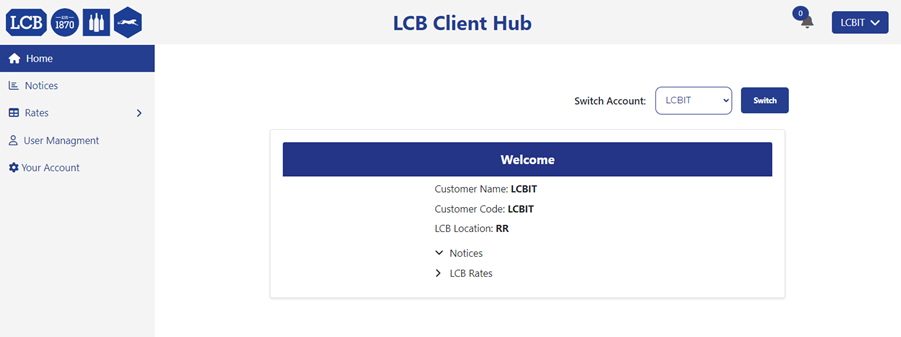
Once you have signed in, you will be greeted with your home page. From here you will be able to see Notices, Rates, and User management.
Notices
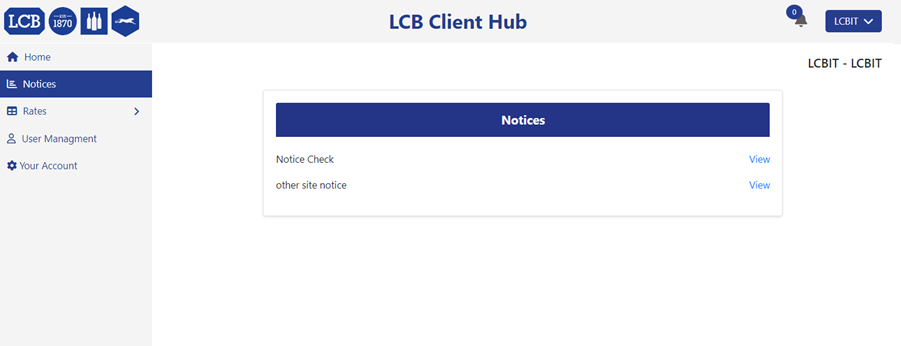
In the Notices tab, you will be able to see any notifications relevant to your account or service at the site you store with.
Rates
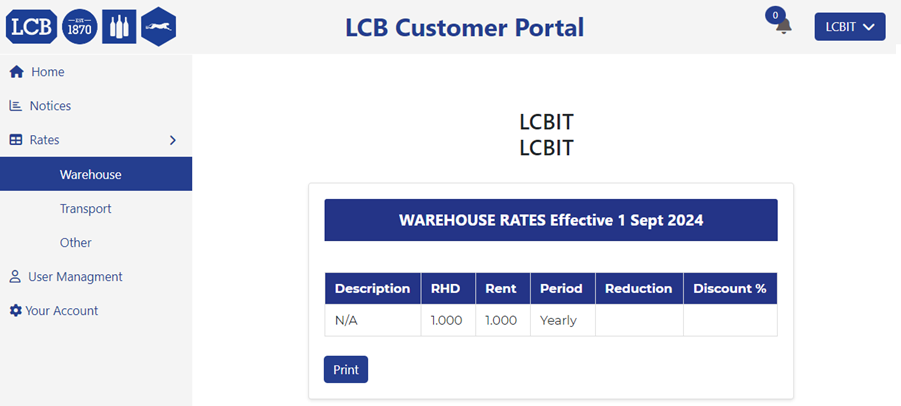
In the Rates tab, you will find the option to see your Warehouse Rates and have the ability to print them.
Transport Rates
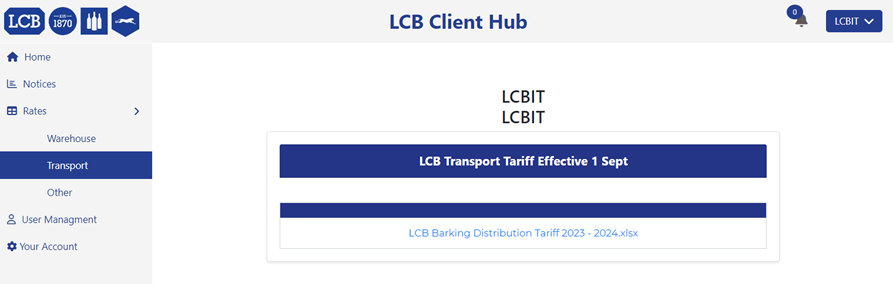
In the Transport Rates tab, you will find the Transport Tariff associated with your account.
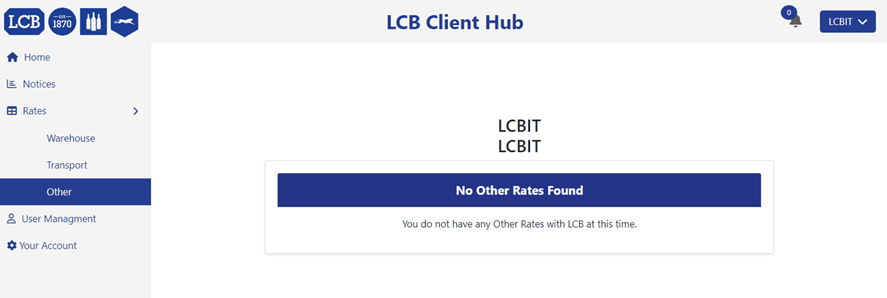
Other Rates
Other Rates will include any other information that is not listed within the transport or warehouse tabs.
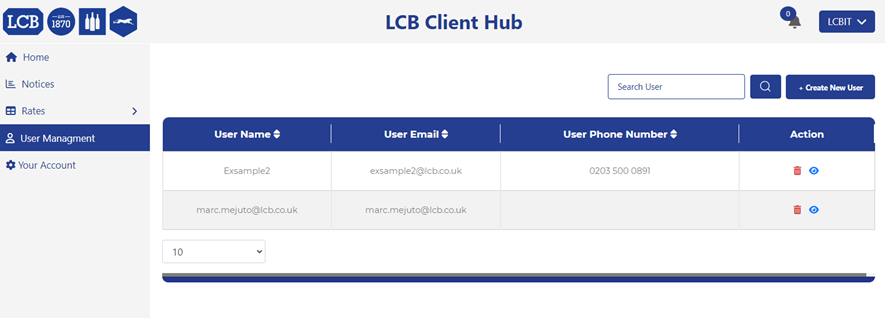
User Management
User Management is where you can manage your users. This will give you control over what your staff can see and do in the portal. You can add new users by selecting the “+Create New User” button on the right-hand side and you can adjust what permissions your staff have access to.
If you need any further guidance, please feel free to reach out to your customer service teams.